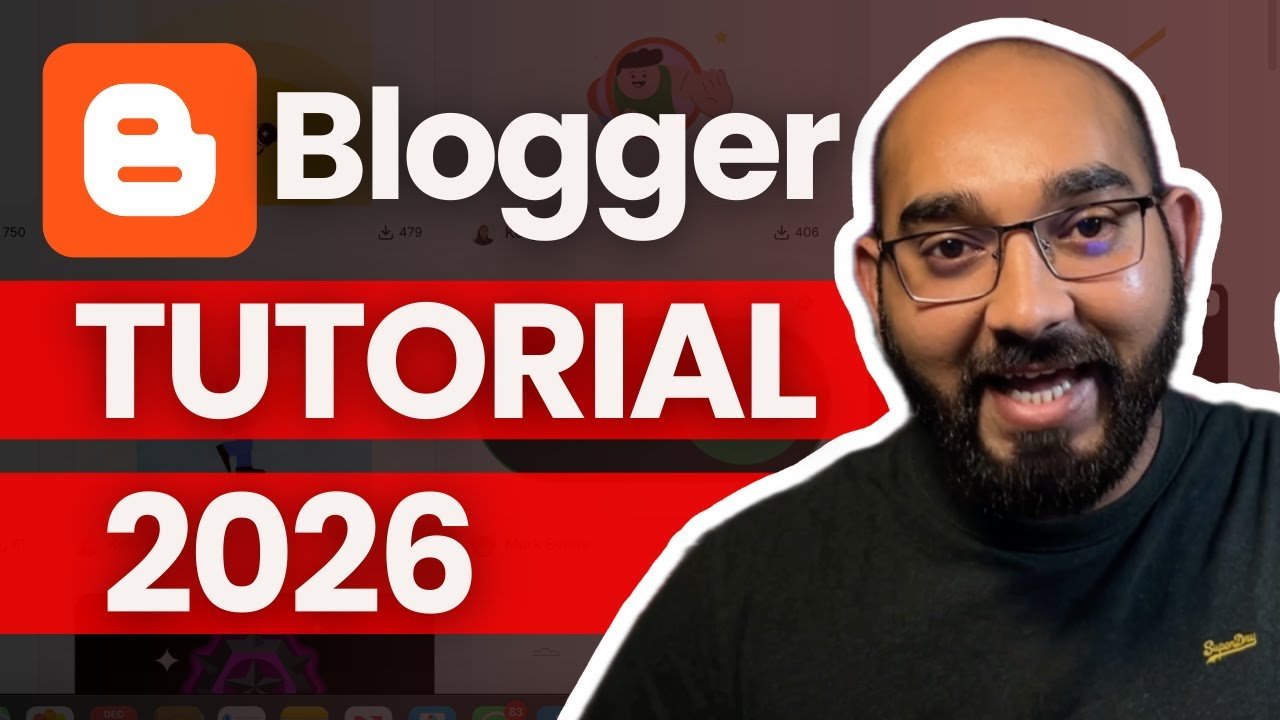

Want to start blogging for free and grow massive traffic? In this Blogger tutorial for beginners, I show you exactly how to create a blog on Blogger.com from scratch and how I personally built blogs that receive millions of monthly visitors.
Visit Blogger.com and start a blog for free: https://blogger.com/
At the beginning of this video, I show:
✔️ A Blogger website with over 6 million traffic
✔️ A Blogger blog with affiliate links
✔️ A Blogger blog running Google AdSense ads
Then, step by step, I guide you through everything you need to know to start blogging on Blogger (Blogspot) in 2026 and beyond.
What You’ll Learn in This Blogger Tutorial:
✔️ How to create a blog on Blogger.com (free)
✔️ How to write a blog post using AI (ChatGPT)
✔️ How to publish your first blog post on blogger.com blog
✔️ How to add images, videos, and affiliate links
✔️ How to create and add pages to your Blogger site
✔️ How to make pages visible using Layout settings
✔️ Blogger themes explained
✔️ Important Blogger settings beginners must know
Blogger Tutorial for Beginners timestamps:
00:00 – 00:21 Introduction – Blogger Tutorial for Beginners 2026
00:22 – 01:15 How to Create a Free Blog on Blogger.com
01:16 – 01:51 Blogger Dashboard Overview for Beginners
01:52 – 01:59 Create your first blog post on Blogger
02:00 – 02:45 How to Write a Blog Post Using AI and Add Affiliate Links (ChatGPT)
02:46 – 05:29 How to Add Images, Videos & Affiliate Links
05:30 – 06:08 How to Publish a Blog Post on Blogger
06:09 – 06:54 How to Check Website Traffic Data
06:55 – 07:45 How to Create Pages in Blogger
07:46 – 08:44 Make Pages Visible Using Layout Settings
08:45 – 10:31 More about Layout Settings
10:32 – 11:50 Blogger Themes Explained
11:51 -13:17 Important Blogger Settings for Beginners
13:18 – 13:57 Summery and Conclusion
This tutorial is perfect if you are:
A complete beginner in blogging
Starting blogging with zero budget
Interested in affiliate marketing or AdSense
Looking for a free WordPress alternative
If you’re serious about blogging in 2026 and beyond, Blogger is a powerful, free, and Google-friendly platform — and this video will show you how to use it the right way.
👉 Watch till the end to avoid beginner mistakes!
📌 Helpful Links & Resources:
Want to start a blog on WordPress instead? Get your hosting: http://rafys.net/hostinger save money with PROMO code AZRAFY
👍 Like | 💬 Comment | 🔔 Subscribe
If this Blogger tutorial helped you, don’t forget to like the video and subscribe for more blogging, SEO, and online income tutorials.
🟢 TOOLS I RECOMMEND:
👉 SOCIAL MEDIA:
1. Greatly Social: https://rafys.net/GreatlySocial (Free Forever)
2. Crowdfire: https://rafys.net/Crowdfire
👉 DOMAIN & WEB HOSTING:
1. Namecheap: https://rafys.net/NameCheap
2. Hostinger: https://rafys.net/Hostinger (Discount Code AZRAFY)
3. Bluehost: https://rafys.net/Bluehost
👉 GROW YOUR BUSINESS:
1. Fiverr: https://rafys.net/Fiverr (Hire Freelancers, get your work done)
2. Upwork: https://rafys.net/Upwork
3. Appsumo: https://rafys.net/Appsumo (DISOCUNTS & DEALS)
4. Envato Elements: https://rafys.net/EnvatoElements (One platform for all creative needs)
5. Creative Fabrica: https://rafys.net/CreativeFabrica
(Premium Fonts, Graphics, Crafts & More)
6. Canva: https://rafys.net/canva (Social Media Designs)
Loom: https://rafys.net/loom (Record Computer Screen)
👉 LEAD GENERATION & EMAIL MARKETING:
1. SalesQL: https://rafys.net/SalesQL (Find Leads Contact Information)
2. Hunter: https://rafys.net/hunter
3. Sendinblue: https://rafys.net/SendinBlue (Email Marketing)
👉 LEARN & IMPROVEMENT:
1. Skillshare: https://rafys.net/Skillshare (Premium Course free for 30 days)
2. Grammarly: https://rafys.net/Grammarly (Error free English writing)
👉 WEBSITE TOOLS:
1. Dorik: https://rafys.net/Dorik (No Code Website Builder)
2. Elementor: https://rafys.net/Elementor
3. 10Web Booster: https://rafys.net/10WebBooster (Website Optimisation)
👉 PAYMENT METHODS:
1. Wise: https://rafys.net/Wise
2. Payoneer: https://rafys.net/Payoneer
▬▬▬▬▬▬▬▬▬▬▬▬▬▬▬▬▬▬▬▬▬▬▬▬▬▬▬
* The information on the videos and the resources available for download/viewing through this YouTube Channel are for educational and informational purposes only.
**By making a purchase through any of the affiliate links above, I (Azharul Rafy) receive a very small commission at no extra cost to you. This helps me keep on my mission to provide quality education to you. Thank you!
